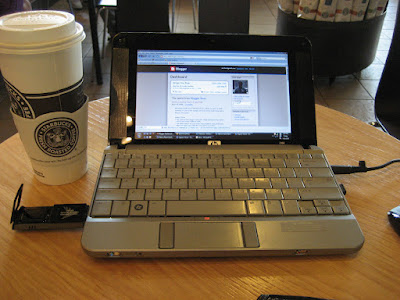
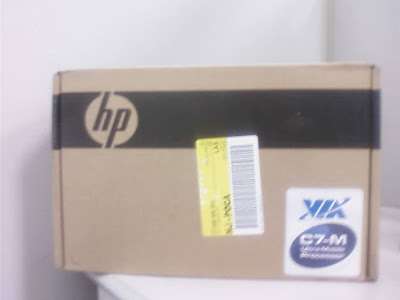
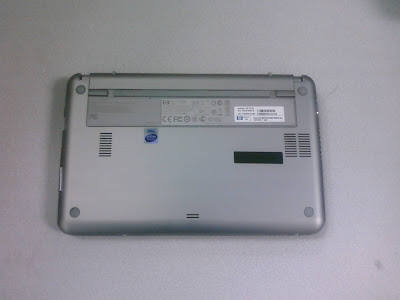
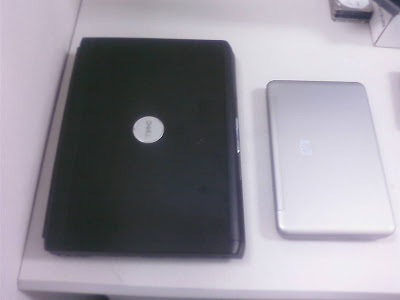
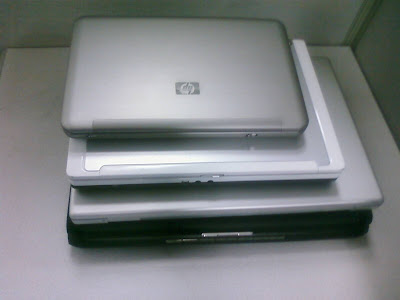
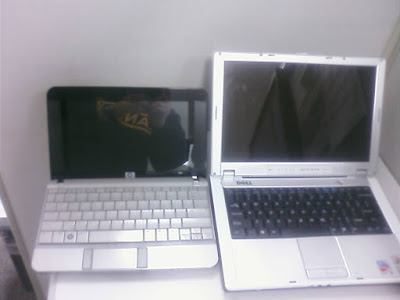
Ok.. after I
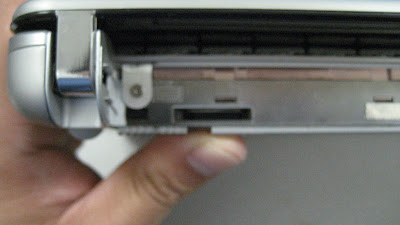
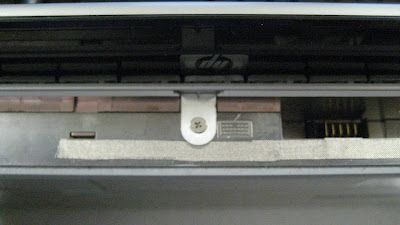
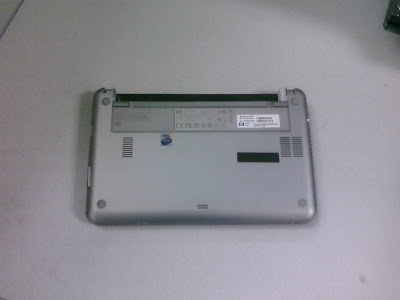
removed the battery, I saw three screws. I removed three screws. I was able to remove mini note's keyboard. I removed stocked 1GB
DDR2 667 ram and replaced with 2GB
DDR2 667MHz ram. Removing keyboard also
revealed mini's hard drive. It is 120GB 2.5" Fujitsu
SATA HD. Just happen, I have a 160GB 7200RPM 2.5"
Segate SATA around. I just popped the drive out and replaced the hard drive. I checked the
HP's website for Windows
XP driver but found none. HP only has Vista driver for now. I am re-
formatingto Vista. It is 12:16PM now. let's start the timer.
Update at 2:42PM
I got Vista Home Basic running. If you are trying to reformat your Mini make sure you attach your external
USB DVD-ROM Drive on the
USB port on the left side (powered one). For some odd reason, when I
plugged into the right
hand side USB port, the Windows Vista Installer will hang at Expanding File (0%) screen.
Update at 4:18PM
Got Vista Business Running. Running on Last HP driver update. Then Vista SP1.
Update 10:11PM
Took about 2 hours for SP1 to install and update. After many reboots, Mini
sens to be more stable now. Some interesting
observation,
Firefox 3 Beta 5 uses less CPU cycle during the page loading and
start up. Next, I am going to install Office 2007. Let's get the stop watch started.